Getting started
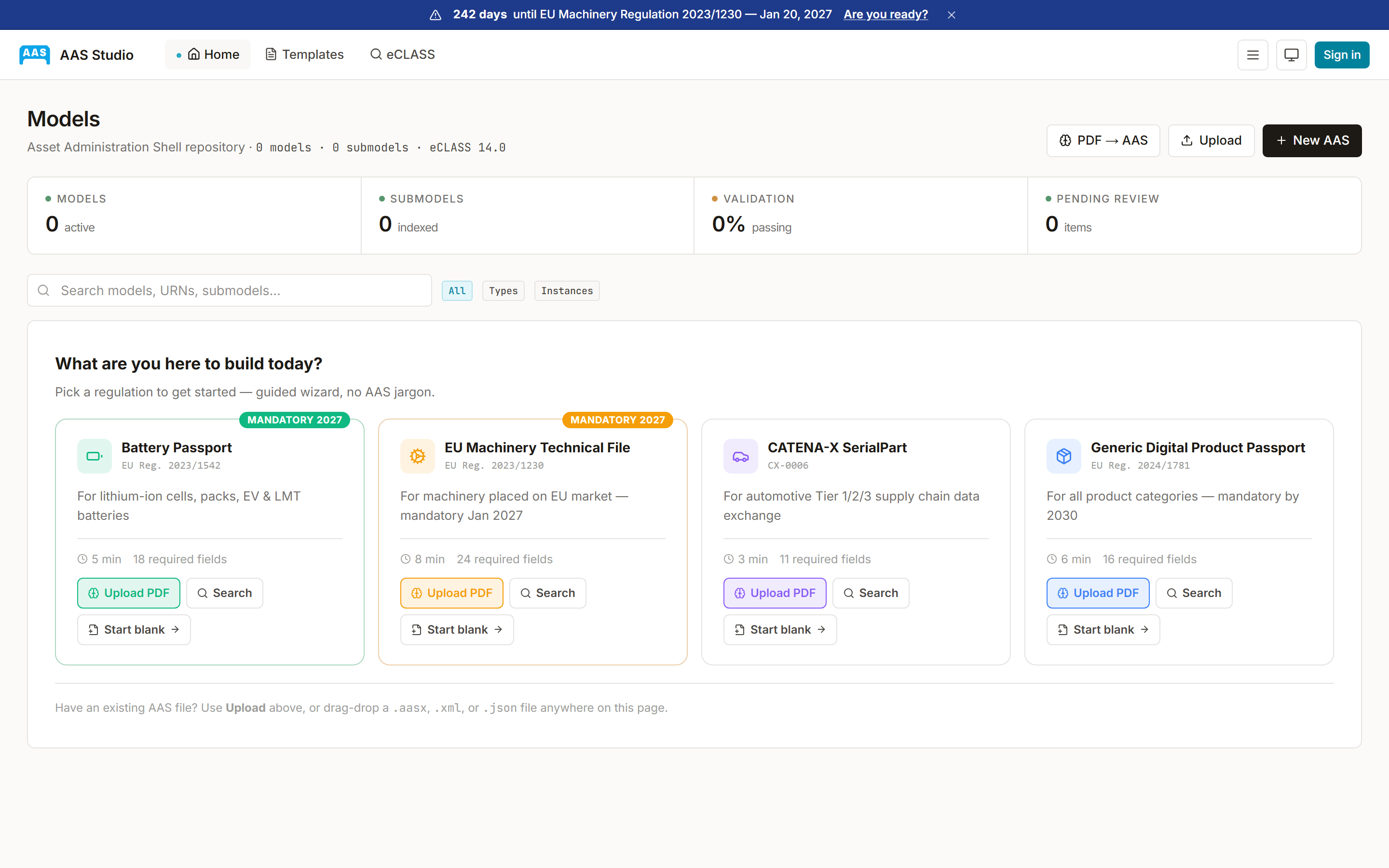
AAS Studio turns a product datasheet into a standards-compliant Asset Administration Shell, the IEC 63278 / IDTA digital-twin file format, without you hand-writing XML. Upload a PDF (or just type a product name), the AI extracts the submodels, you review and validate, then export or push to a registry.
Quickstart
Five steps from datasheet to deliverable. The whole flow lives in the wizard at /studio. No install, no config.
Start an extraction
Two ways in. Upload one or more PDF datasheets, or use Find by name: type the product (e.g. “LG OLED65G54LW”) and AAS Studio searches the web, pulling the manufacturer page plus distributor and third-party datasheets as independent sources.
AI builds the AAS
The model reads each source and emits the four IDTA submodels it can support: Nameplate (IDTA-02006), TechnicalData (02003), CarbonFootprint (02023) and HandoverDocumentation (02004). Common properties ship with eCLASS IRDIs as semanticIds. It prefers leaving a field empty over inventing a value.
Review & merge
With several sources, each field is decided by authority-weighted consensus. The manufacturer outvotes a chain of resellers that copied a wrong spec. Every value shows how many sources agreed; split votes are flagged for review. Fix anything the AI wasn’t sure about, then continue.
Validate
Three gates, not one. The official AAS 3.1 XSD (structure), the AASd-* metamodel rulesthe schema can’t express (idShort uniqueness, langStrings, reference shapes), and the official IDTA aas-test-engines, run in CI, so “valid” means valid by the standard owner’s reference engine, not just ours. You get a clear verdict plus the exact errors. The same engine is a one-call API: POST /api/v1/validate.
Export & deliver
Download as AAS XML or .aasx, push straight to an IDTA Part 2 registry/repository (the Unparallel DPSSP connector), or issue it as a signed EUDI-aligned Verifiable Credential (JWT-VC / SD-JWT-VC, verifiable offline, revocable). Or skip the UI entirely and drive the whole flow from the REST API.
Ways to integrate
Three surfaces, same engine. Pick the one that fits how your users (or your pipeline) work.
Use the app
The hosted wizard at /studio. Nothing to build, whether for your own team or a one-off conversion.
Open wizard →Call the API
Bearer-auth REST. Extract, merge, validate, fix. Scriptable, CI-friendly. Try it live in the explorer.
Interactive explorer →Embed the widget
A <script> + <div> drops the full wizard into your own product. Signed, origin-bound sessions.
Embed guide →Reference
The full documentation surface: SDKs, integration guides, schema, async delivery.
Build & embed
Validate & repair AASX (free)
Drop any .aasx and get a path-precise issue report against the AAS 3.1 XSD + AASd-* constraints, plus an auto-repaired package. No login, files never stored. Same engine as the Studio.
Embed iframe widget
Drop a <script> + <div> into your site and your users get the full AAS extraction wizard inline. HMAC-signed origin-bound session tokens. ~10 minutes from cold-read to working iframe.
REST API reference
Bearer-auth public API for extract, merge, validate, fix, search, extractions, replay, webhooks. Browse it, then try every endpoint live in the interactive explorer.
SDKs
TypeScript SDK
@aas-studio/sdk is a typed client for the public REST API. Zero runtime deps. Works in Node 18+, modern browsers, Bun, Deno. Methods for extract, merge, searchDatasheets, listExtractions, getExtraction.
Python SDK
aas_studio is a stdlib-only HTTP client (urllib). Pass your own httpx/requests via opts.http_client if you prefer. Same method surface as the TS SDK.
Integrations
Integration guides
Catena-X SerialPart, EU Battery Passport, ESPR Digital Product Passport, EU Machinery Regulation. Reference implementations + checklists per regulatory framework.
Standards conformance
IEC 63278-1/2/3 alignment + IDTA-02006/02003/02023/02004 submodel template implementations. Downloadable conformance statement.
Interoperability (test against us)
Point your AAS server, GS1 resolver, VC verifier or product-trust layer at a live, conformant, public endpoint. Strong-ETag content anchoring, GS1 Digital Link resolution, a live Asset Interface Description datapoint. Public sandbox, no key, no account.
Self-hosted deployment
Run AAS Studio in your own infrastructure (Docker Compose shipped; Helm / air-gapped planned). For data-residency, regulated workloads, Catena-X data spaces, or procurement clauses that exclude SaaS-only vendors.
IDTA Part 2 API (v3)
The IDTA-01002 Shell/Submodel Repository surface, machine-readable: OpenAPI 3.0 schema at /api/v3/openapi.json, self-description (profiles, capabilities) at /api/v3/description.
Async + delivery
postMessage events
The iframe emits aas-studio:ready / extracted / error / cancelled / resize. Reference for raw integration outside the loader.
Webhooks
Subscribe to extraction.completed / extraction.failed events. HMAC-SHA256 signed deliveries (Stripe-style X-AAS-Studio-Signature). Auto-disable after 5 consecutive failures.
Need something we don’t document?
Email miguel.reis@aas-studio.eu. Two-developer team, you ping the people who wrote the code, no support tier in between.